
We encountered a puzzling new symptom while experimenting with local installation of traefik. Here we describe the surprise and related efforts to clean up our browser.
# The Symptom
# nothing was listening on port 8080 sudo lsof -i :8080 || echo NOTHING NOTHING
Although nothing was listening on port 8080, Firefox nevertheless rendered a shell of traefik's dashboard.
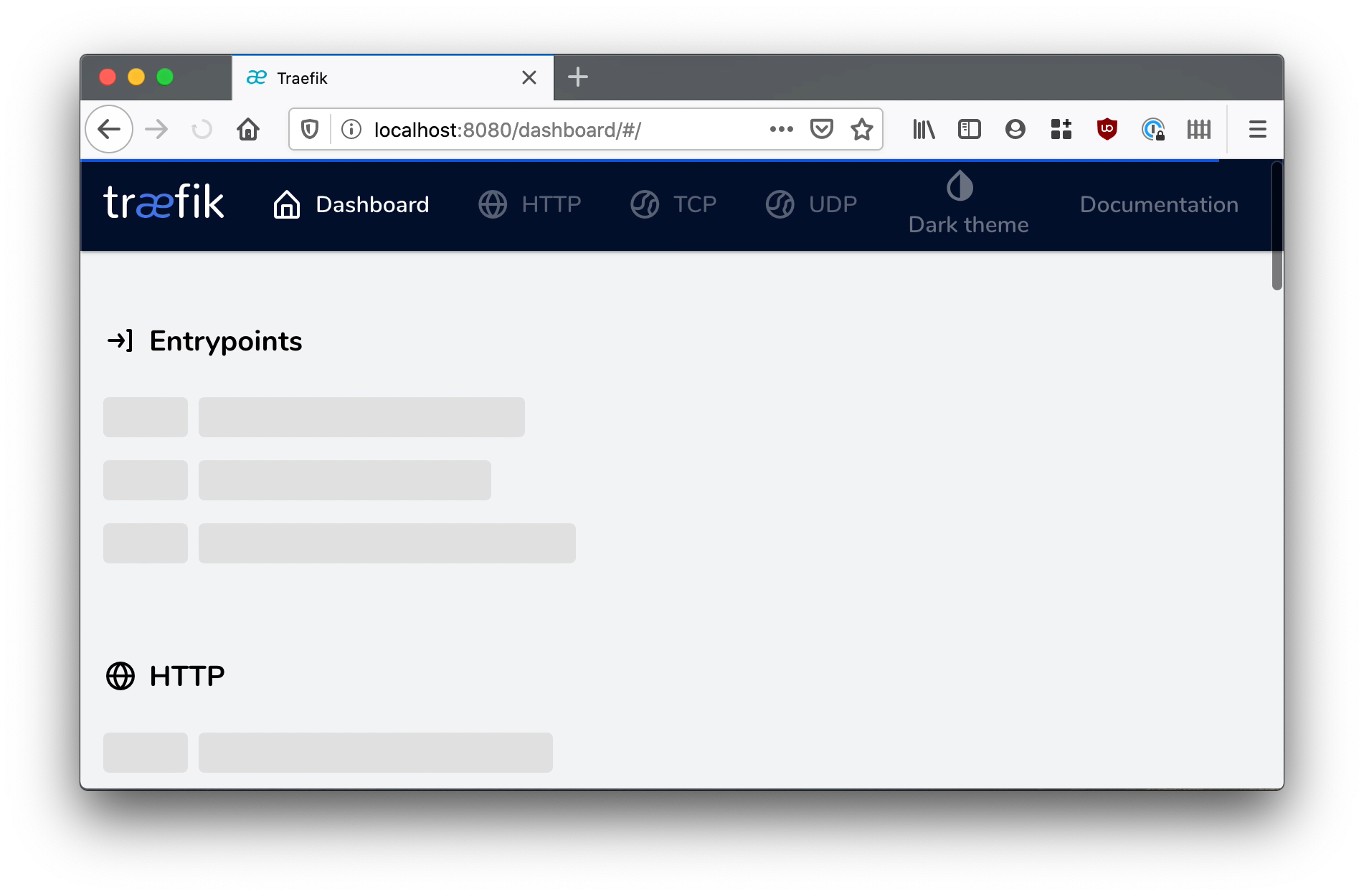
Screenshot of traefik dashboard
# The Diagnosis
We suspected there was a Service Worker cached in the browser. We were able to confirm this suspicion and clear the offending caches.
Mozilla's docs on CacheStorage delete was informative: MDN 
# The Remedy
# in the browser console, we found a suspicious cache # with this command: await caches.keys() # and removed it with this command: await caches.delete('traefik-ui-precache-v2-http://localhost:8080/dashboard/')
Even after deleting the cached service worker, the browser was still redirecting localhost:8080 to /dashboard.
The web inspector's network tab revealed the very first request was a 301 redirect to localhost:8080/dashboard.
Knowing that 301 means "permanent" we searched for other browser caches finding some confirmation towards the top of Mozilla's docs on HTTP Caching: MDN .
> Common forms of caching entries are: > * Successful results of a retrieval request: a 200 (OK) response to a GET request containing a resource like HTML documents, images or files. > * **Permanent redirects**: a 301 (Moved Permanently) response. > * Error responses: a 404 (Not Found) result page. > * Incomplete results: a 206 (Partial Content) response. > * Responses other than GET if something suitable for use as a cache key is defined.
We were only able to clear the cache of the 301 redirect by using the Disable Cache checkbox in the network inspector.
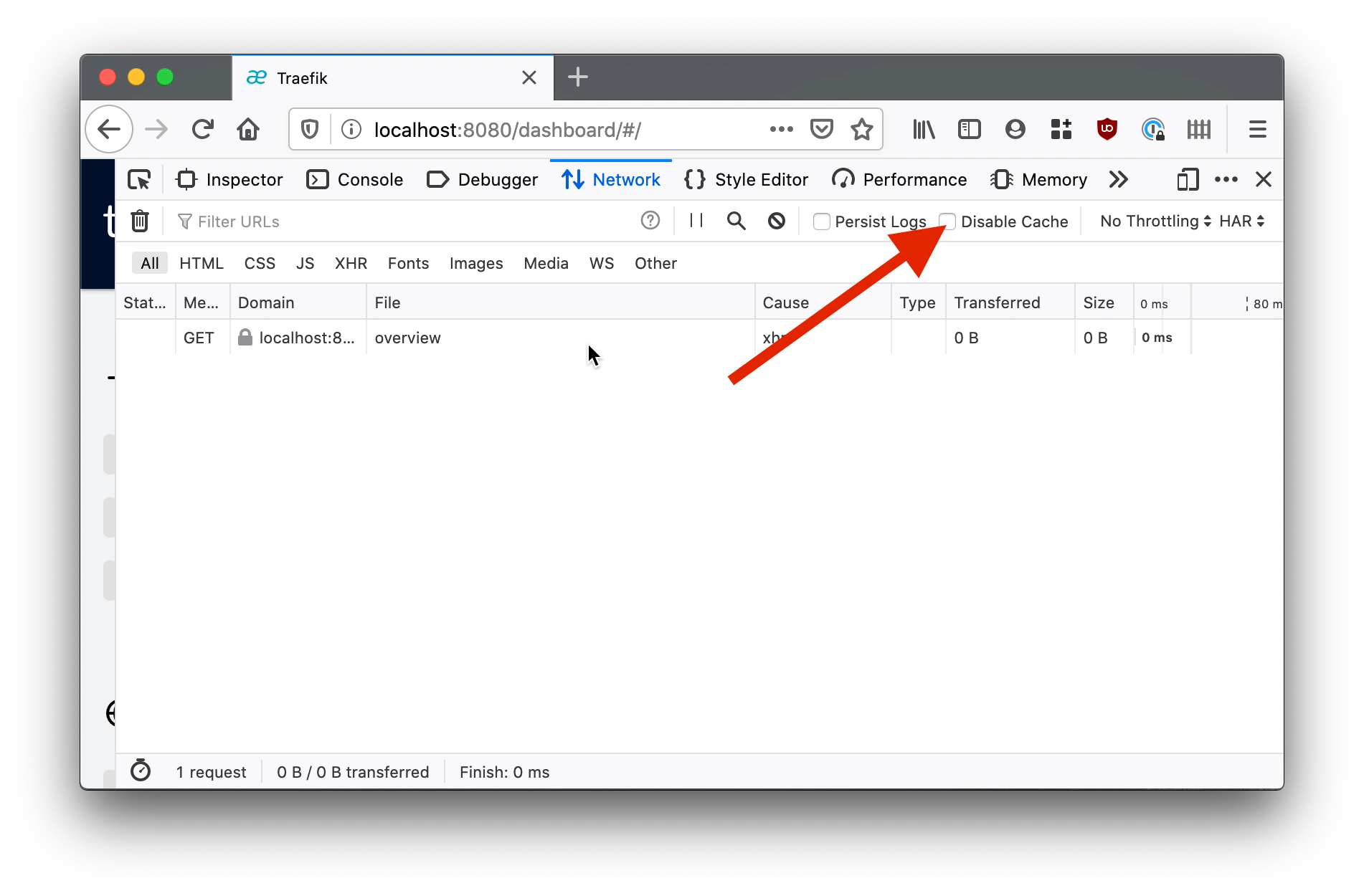
Disable Cache checkbox
With this we were finally able to visit localhost:8080 and get the expected server not found error.